
Smart Database Design Tool – Build And Optimize Easily
Smart Database Design Tool
A database design tool is essential for developers, architects, and businesses that rely on structured data. Whether you’re building a small application or a large enterprise system, designing a database correctly from the start ensures efficiency, scalability, and performance.
With the right tool, you can create entity-relationship diagrams (ERDs), map out schemas, and visualize how data flows across systems. This eliminates guesswork, reduces errors, and helps teams work collaboratively.
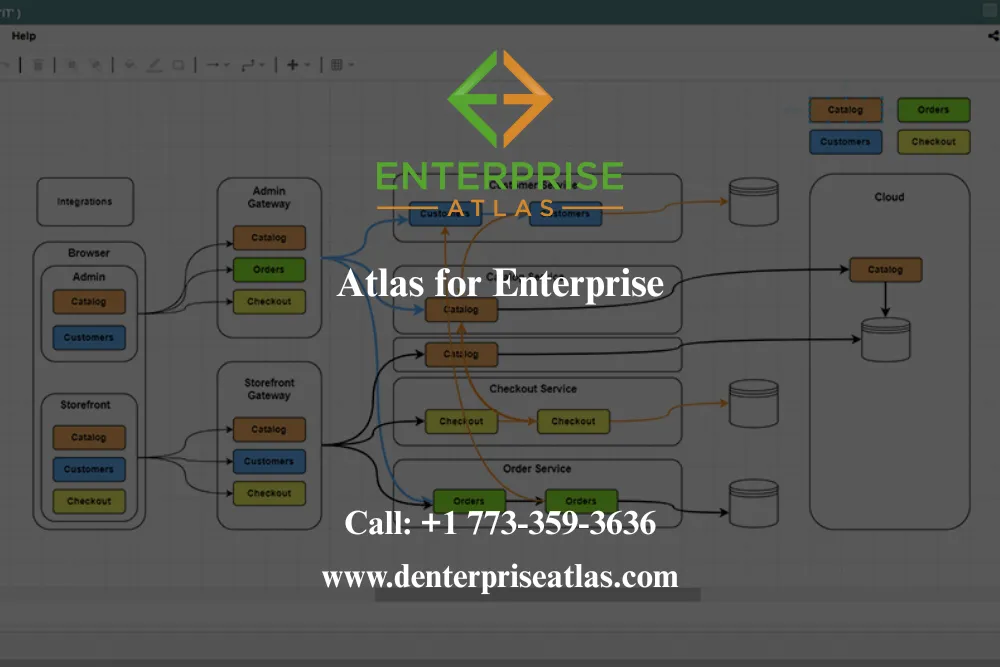
About dEnterprise Atlas
dEnterprise Atlas is a company dedicated to creating intuitive and effective software solutions for teams and organizations. We focus on making complex processes simple, helping users visualize structures, collaborate efficiently, and manage projects with clarity. Our team is committed to continuous innovation, delivering tools that are easy to use while addressing real-world business needs.
Founded with the goal of improving workflow management, we prioritize user experience, reliability, and customer support. Our platform is designed to grow with your organization, offering flexibility and scalability to meet evolving requirements. At dEnterprise Atlas, we strive to empower teams to work more effectively and make informed decisions with confidence.
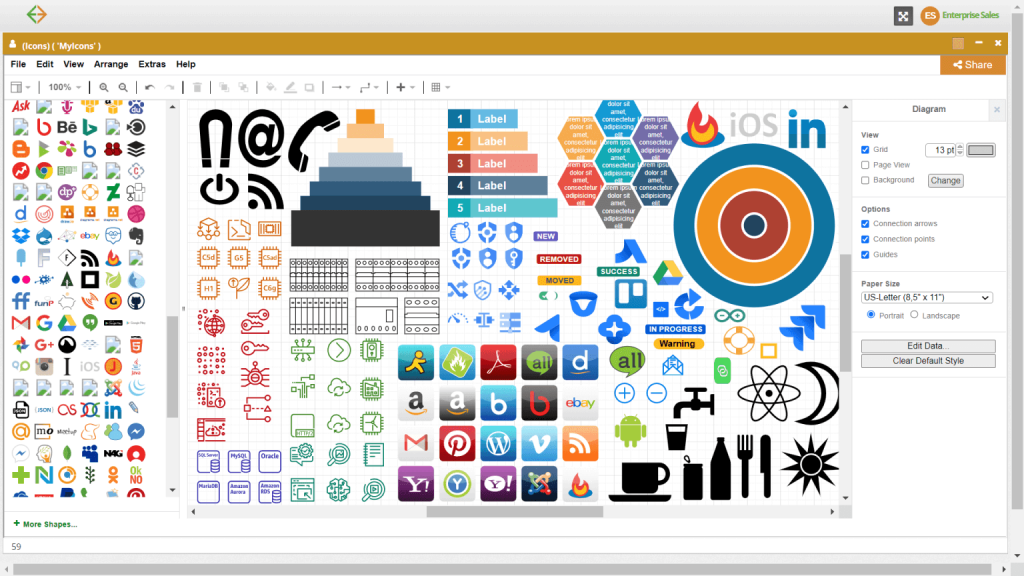
Why Choose dEnterprise Atlas for Database Design Tool
Designing databases manually can be tedious and error-prone. A database design tool simplifies the process by providing an interactive, visual interface where you can drag, drop, and connect entities without writing code from scratch.
Instead of spending hours on trial and error, you can map relationships, normalize data, and preview performance bottlenecks before implementation. This not only saves development time but also ensures long-term database stability.
Choose your plan
Simple pricing, No hidden charges. Choose a plan that fits your need!
Free
6 Months
$
0.00
-
Unlimited Editable Documents
-
Basic Collaboration
-
Basic Integrations
-
Basic Security
-
No admin controls
-
No Advanced data and automation
-
No SSO
Team
Starting at $5.99 USD/User (3 user minimum)
$
5.99
-
Unlimited Editable Documents
-
Advanced Collaboration
-
Advanced Integrations
-
Advanced Security
-
Basic Easy admin controls
-
No Advanced data and automation
-
No SSO
Popular
Enterprise
Contact us for a quote!
$
4.49
-
Unlimited Editable Documents
-
Advanced Collaboration
-
Advanced Integrations
-
Advanced Security
-
Advanced Easy admin controls
-
Advanced data and automation
-
SSO
Features of Our Database Design Tool
Our online platform is built with modern users in mind. Here’s what sets our Database Design Tool apart:
Drag-and-Drop Simplicity
No need for complex tutorials—our interface allows you to select shapes, connect steps, and design charts with ease.
Pre-Built Templates
From organizational charts and process flows to technical system diagrams, our template library accelerates your design process.
Real-Time Collaboration
Work simultaneously with colleagues no matter where they are. Everyone stays updated with instant changes and shared access.
Secure Cloud Storage
Your diagrams are always available, backed up, and protected with industry-leading security protocols.
Export & Sharing Options
Need to present your flowchart? Export it as PDF, PNG, or SVG—or share a live link directly with stakeholders.
Cross-Device Compatibility
Access and edit your diagrams from desktop, tablet, or smartphone. Perfect for teams on the go.
How Our Process Works
Using dEnterpriseatlas Database Design Tool is designed to be effortless, whether you’re a first-time user or an experienced professional. We built the process around simplicity, collaboration, and efficiency so you can focus on ideas—not learning a complicated tool.
1. Sign Up and Access Your Dashboard
Getting started is quick. Once you create an account, you’ll enter a clean, intuitive dashboard that puts all your projects in one place. From here, you can start a new flowchart, manage existing diagrams, or organize files for different teams and projects. Everything is stored securely in the cloud, so your work is always accessible.
2. Choose a Template or Start from Scratch
Not sure where to begin? Our template library has professionally designed options for process flows, organizational charts, decision trees, and more. If you prefer flexibility, you can start with a blank canvas and build your diagram from the ground up. Either way, you’re in control of how your workflow is visualized.
3. Drag, Drop, and Connect Elements
Our drag-and-drop editor makes it easy to add shapes, connect arrows, and insert labels. You don’t need design skills—just select the elements you need and arrange them visually. Every adjustment happens in real time, and smart guides keep your diagrams neat and professional.
4. Collaborate and Share in Real Time
Work is rarely a solo effort. That’s why our platform allows you to invite teammates to view, edit, and comment on diagrams simultaneously. Changes are visible instantly, so there’s no need to email multiple versions or worry about outdated files. With role-based permissions, you decide who can edit, comment, or only view.
5. Export, Present, and Integrate
Once your flowchart is complete, it’s easy to share. Export it as a PDF for reports, a PNG for presentations, or an SVG for scalable use. You can also generate a secure share link to collaborate externally. Our software integrates seamlessly with tools you already use, ensuring your diagrams fit naturally into your workflow
Frequently Asked Question
A database design tool is software that helps developers and businesses create, map, and manage database structures visually.
You can design a schema by using ERD tools to define tables, keys, and relationships, then export the schema as SQL code.
It saves time, reduces errors, ensures scalability, and makes collaboration easier across teams.
Yes. Modern design tools support relational databases like MySQL as well as NoSQL platforms like MongoDB.
Absolutely. Even small systems benefit from well-structured databases that reduce inefficiency and support growth.
Get in Touch
Ready to create better database design tool?
👉 Contact us today or start your free trial.
- Address: 1371 N Wood Dale Rd, Wood Dale, IL 60191, United States
- Phone : +1 773-359-3636
- Follow Us On Facebook